
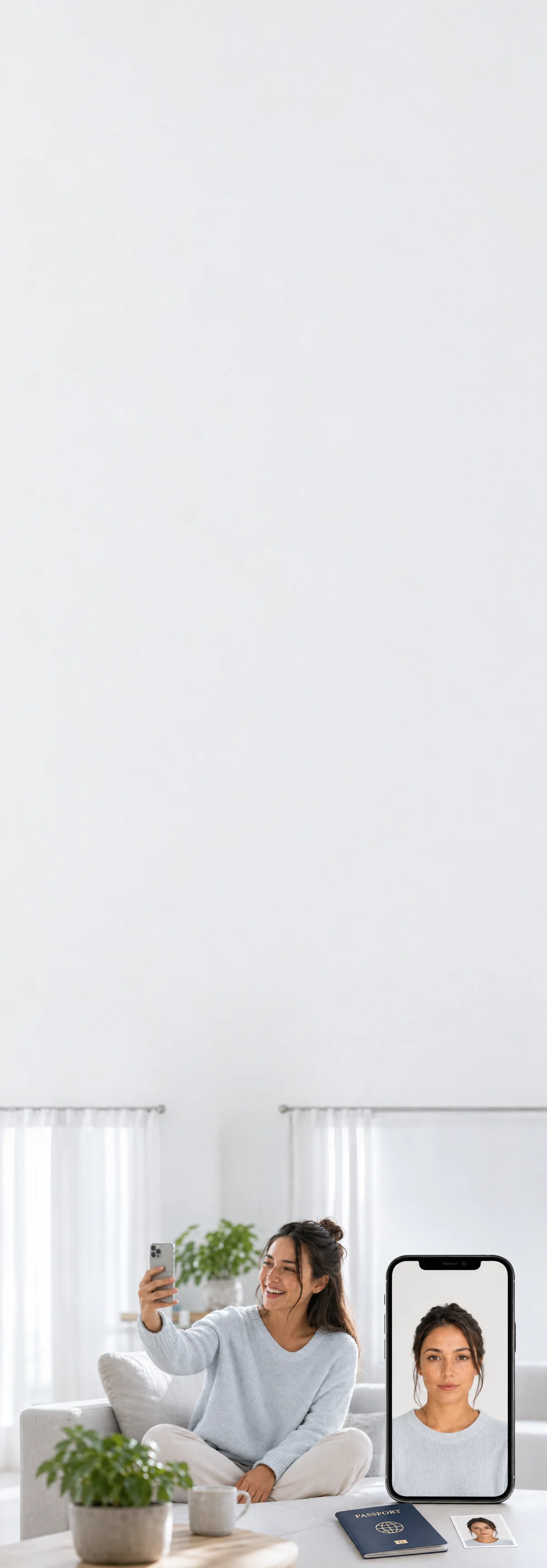
2×2 in · white background
2×2 Photo Converter
Resize · Crop · Verify · Print-Ready in Seconds
Upload any image and we crop it to exactly 2×2 inches, fix the background, and check passport and visa rules.
Prints by mail, overnight shipping available. Same-day at Walgreens / CVS, about $0.39.

Done before your coffee
Shoot at home in minutes. No drive, no line.

Caught before rejection
Measured against your country’s exact consulate spec — before you submit.


Rejected? Reshoot free.
Fourteen days of free resubmissions. Refunded if it still fails.
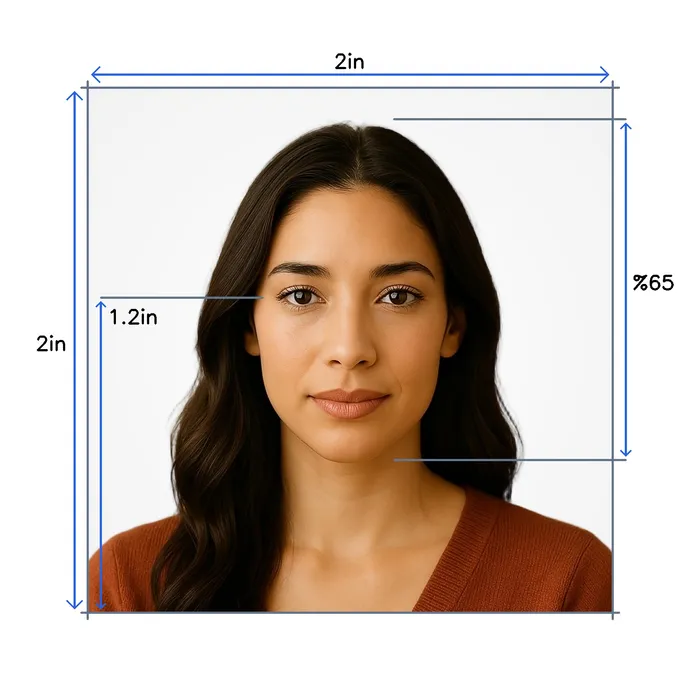
Standard 2x2 inch specifications
- Size
- 2 x 2 inches
- Pixels
- 1200 × 1200 px
- Resolution
- 600 dpi
- Head size
- Head covers 65% of the photo
- Background
- White
- Not permitted
- Hats and caps (except religious), Sunglasses, Heavy makeup
How it works
One photo at home. The rest is automatic.

- Selfie or a friend
- Face a window
- Look straight
Take your photo
A selfie at arm’s length, or ask someone.

- Eyes open
- Neutral expression
- Head straight
- ICAO 9303
- ISO/IEC 19794-5
AI checks it
Against Standard 2x2 inch rules, in seconds.


- White background
Background replaced
Your face stays untouched.
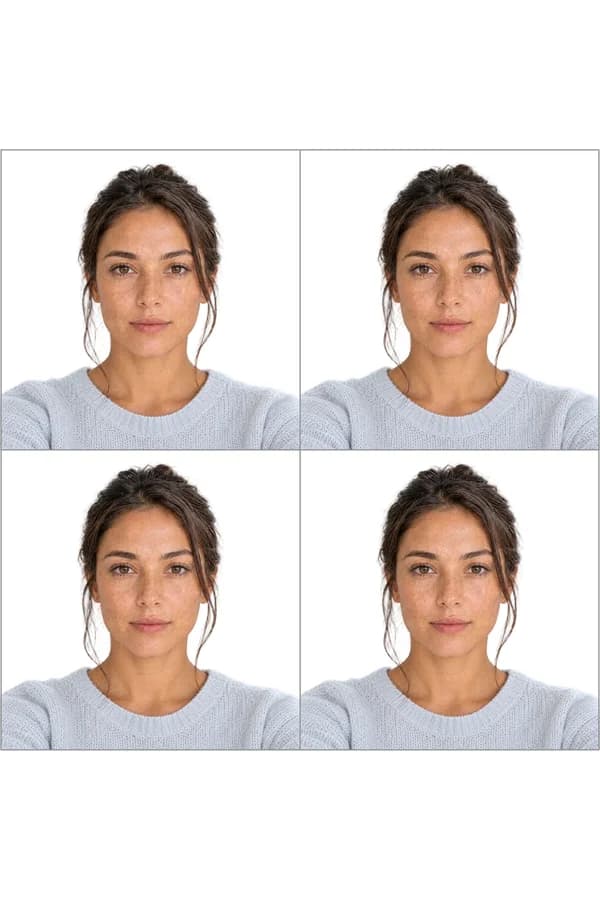
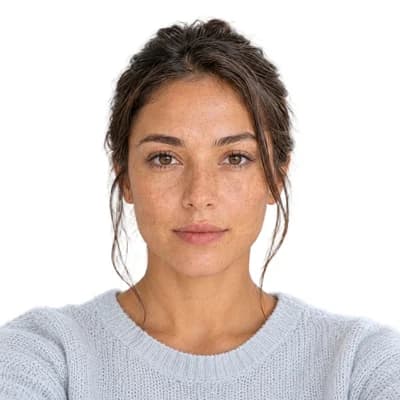
- 2×2 in
- Print-ready sheet
- Digital file
Cropped to size
Ready to print or upload.
Print it the same day, or get it by mail


Or have your prints mailed to you
One glossy 4×6 sheet of photos you cut apart along the guides, mailed tracked to US addresses. Add it to your $11.95 photo on the order page after checkout.
Overnight shipping*from $7.47
*Overnight is $35.02, delivered within 3 business days of your order. Budget is $7.47, 3–6 business days after it ships.
Good to know

Standard 2x2 inch rules, reviewed by Sandra Chen · Sep 2026
Most common rejection reasons
- 1A retouched or filtered photoThe State Department does not accept digital retouching or beauty and social-media filters on the face. Use the photo as it was taken.
- 2A grainy or pixelated imagePhotos with visible pixels are not acceptable. Start from a sharp, high-quality original.
- 3A tilted or off-centre headThe State Department wants a centred, full-frontal view. An excessively tilted head can mean a request for a new photo.
- 4Shadows that hide the faceLight should be even, with no reflections on the face and no shadows that obscure your features.
Snap2Pass never edits your face. It replaces the background and crops the photo to size, nothing else.
Also worth knowing
- PaperworkDo not sign the photo
For a US passport the applicant does not need to sign the photograph, because signing often causes creases or smudges. Damage to the face area can make a printed photo unacceptable.
Source ↗ - Related documentMost countries use a portrait format
Many passports and visas outside the US use a taller portrait photo, not a square one. Make that photo from your original picture, not from this one.
Standard portrait passport photo → - Related documentRenewing a US passport online?
Online renewal takes a digital file with its own upload rules, listed on the US passport page.
US passport photo →
Common questions, answered
Everything you need to know before you upload. Tap any question to expand.
Supported documents, worldwide
Every country · current 2025 regulations · ICAO compliant