
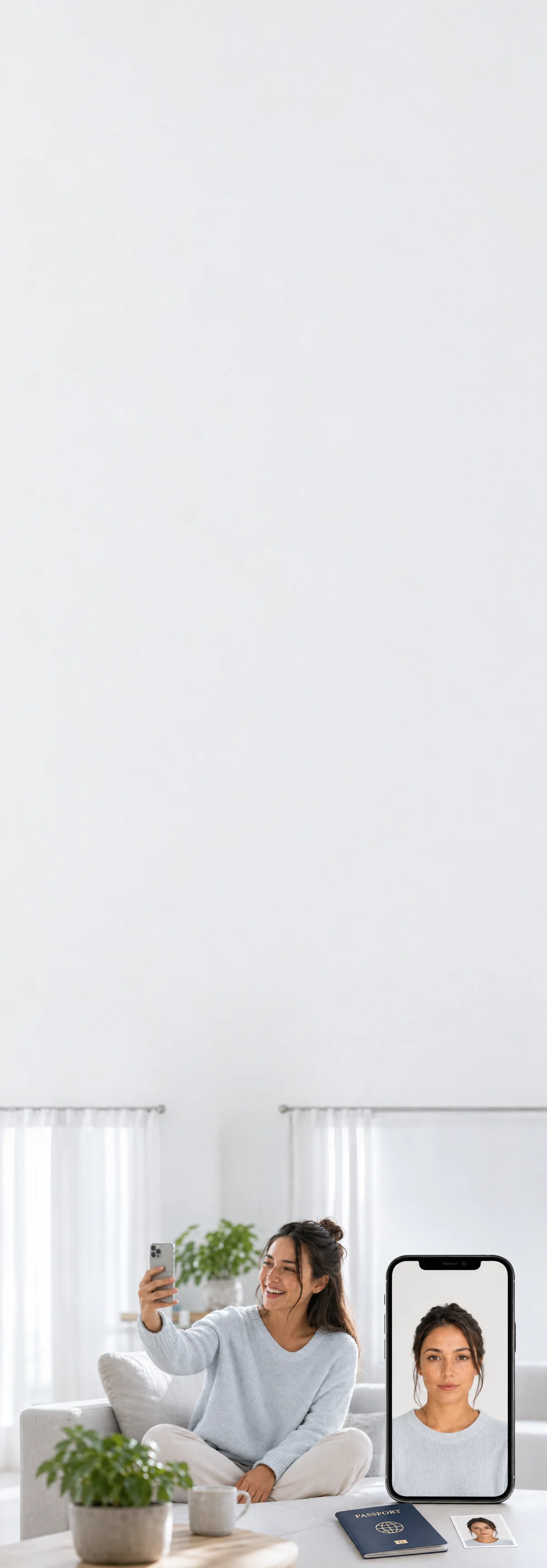
50×70 mm · white background
Canadian PR Card Photo
Money back if it's not accepted
Take a selfie at home and get a compliant Canadian PR Card photo in under a minute.
Prints by mail, overnight shipping available. Same-day at Walgreens / CVS, about $0.39.

Done before your coffee
Shoot at home in minutes. No drive, no line.

Caught before rejection
Measured against your country’s exact consulate spec — before you submit.


Rejected? Reshoot free.
Fourteen days of free resubmissions. Refunded if it still fails.
Canadian PR Card specifications
- Size
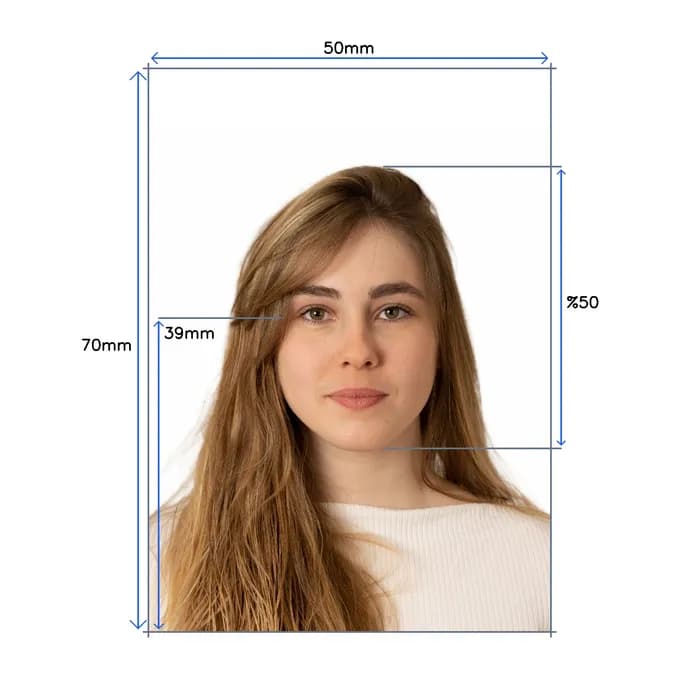
- 50 x 70 mm
- Pixels
- 1181 × 1654 px
- Resolution
- 600 dpi
- Head size
- Head covers 50% of the photo
- Background
- White
- Digital file size
- Minimum 200 KB (JPEG)
- Not permitted
- Hats and caps (except religious), Sunglasses, Heavy makeup
- Official site
- www.canada.ca
How it works
One photo at home. The rest is automatic.

- Selfie or a friend
- Face a window
- Look straight
Take your photo
A selfie at arm’s length, or ask someone.

- Eyes open
- Neutral expression
- Head straight
- ICAO 9303
- ISO/IEC 19794-5
AI checks it
Against Canadian PR Card rules, in seconds.


- White background
Background replaced
Your face stays untouched.
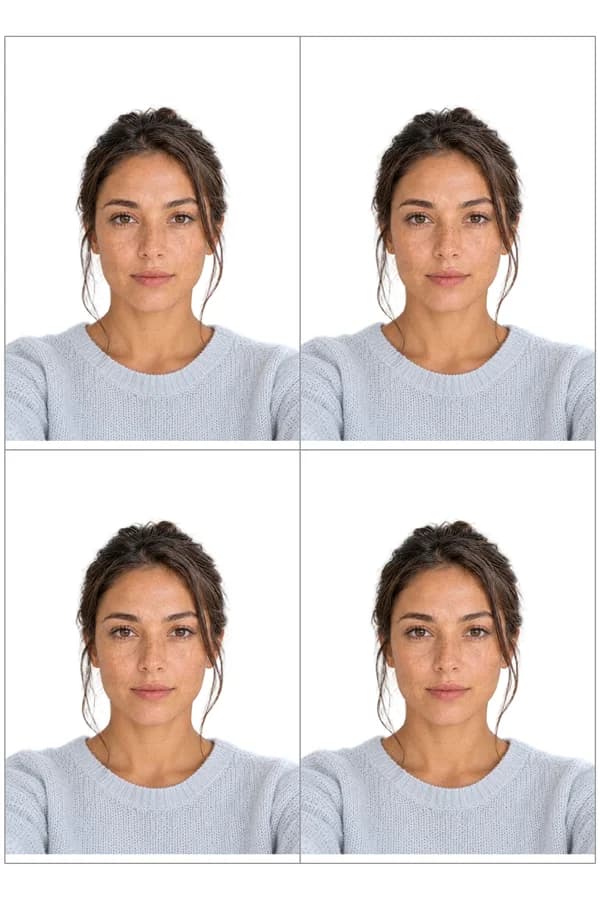
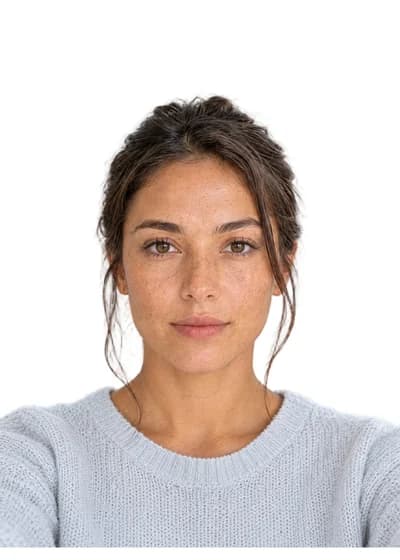
- 50×70 mm
- Print-ready sheet
- Digital file
Cropped to size
Ready to print or upload.
Print it the same day, or get it by mail


Or have your prints mailed to you
One glossy 4×6 sheet of photos you cut apart along the guides, mailed tracked to US addresses. Add it to your $11.95 photo on the order page after checkout.
Overnight shipping*from $7.47
*Overnight is $35.02, delivered within 3 business days of your order. Budget is $7.47, 3–6 business days after it ships.
Good to know

Canadian PR Card rules, reviewed by Sandra Chen · Sep 2026
Most common rejection reasons
- 1A photo that is too darkIRCC may return a dark photo. Take it in even, bright light.
- 2Glare or flash reflectionsIRCC may return a photo with too much glare. Light your face evenly, without flash reflections on your skin or lenses.
- 3Facial features that are not visibleIRCC may return a photo where your face cannot be seen clearly. Keep hair off your face so its edges show.
- 4An edited or enhanced photoIRCC treats a photo edited in any way as altered, including changes to colour, brightness or sharpness and removing red-eye. Submit the studio photo as taken.
Also worth knowing
- Who takes the photoA commercial photographer or studio takes the photo
IRCC asks you to go to a commercial photographer or studio for both online and paper applications, so a photo you take yourself does not fit the requirement.
Source ↗ - PaperworkPaper applications: write on the back of one photo
For a paper application, the back of one of the two photos must show your name and date of birth, the photo studio's name and complete address, and the date the photo was taken. Stamp or write it by hand; stick-on labels are not accepted.
Source ↗
Common questions, answered
Everything you need to know before you upload. Tap any question to expand.
Supported documents, worldwide
Every country · current 2025 regulations · ICAO compliant