
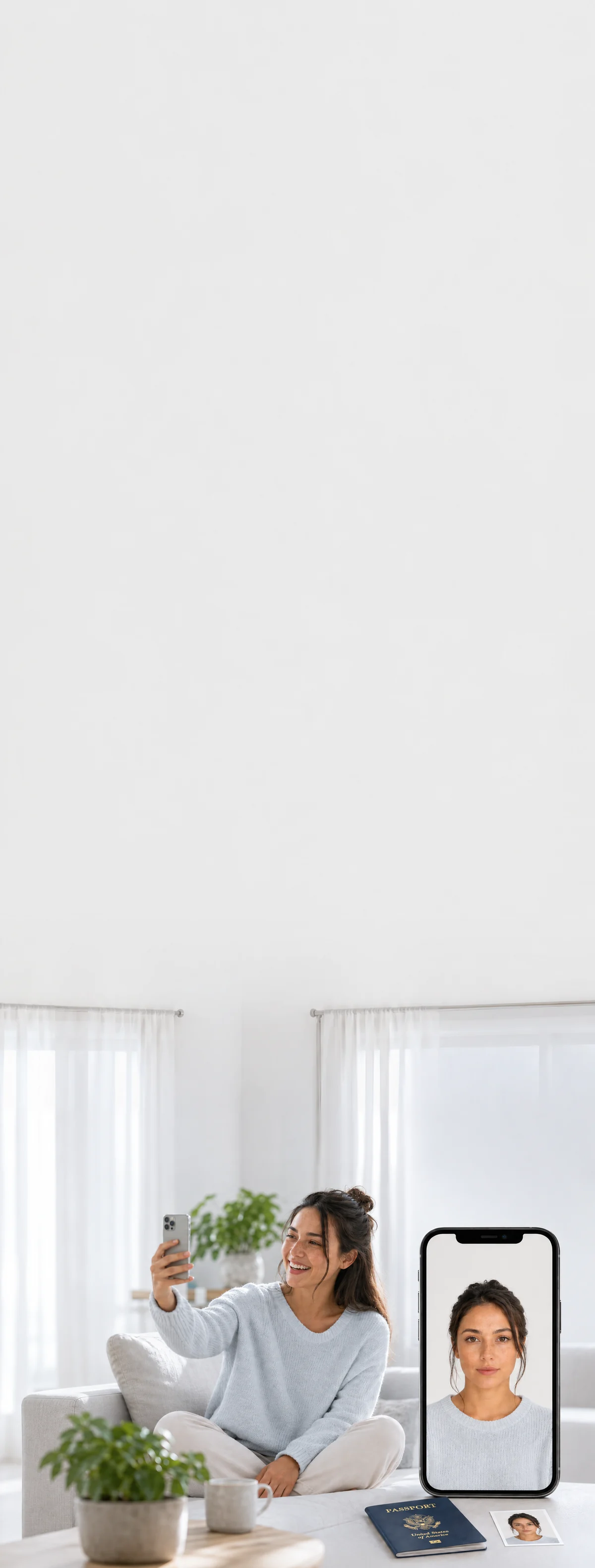
 2×2 in · white background
Print Passport Photos
Digital + Print-Ready · From $11.95
Get a print-ready 4×6 sheet of 2×2 passport photos to print at Walgreens, CVS, Walmart, or at home.
Prints by mail, overnight shipping available. Same-day at Walgreens / CVS, about $0.39.

Done before your coffee
Shoot at home in minutes. No drive, no line.

Caught before rejection
Measured against your country’s exact consulate spec — before you submit.


Rejected? Reshoot free.
Fourteen days of free resubmissions. Refunded if it still fails.
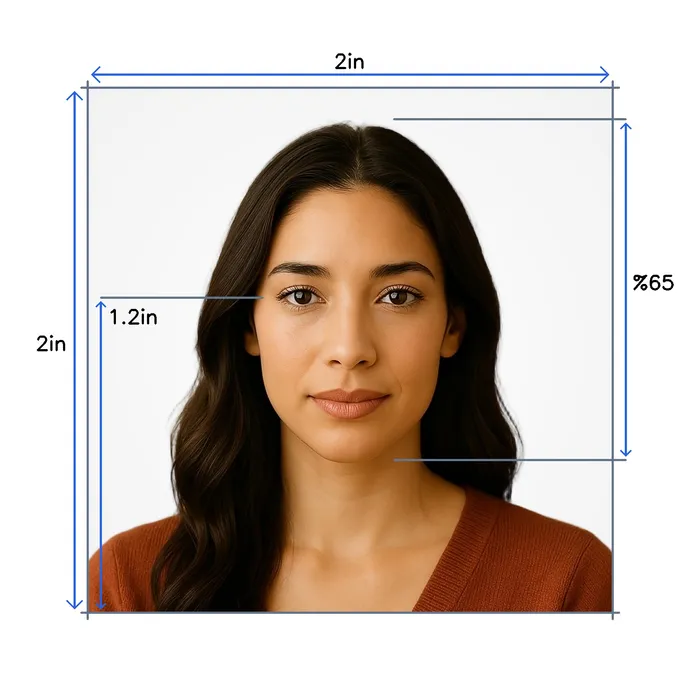
US Passport specifications
- Size
- 2 x 2 inches
- Pixels
- 1200 × 1200 px
- Resolution
- 600 dpi
- Head size
- Head covers 65% of the photo
- Background
- White
- Digital file size
- 54–240 KB (JPEG)
- Not permitted
- Hats and caps (except religious), Sunglasses, Heavy makeup, Eye glasses
- Official site
- travel.state.gov
How it works
One photo at home. The rest is automatic.

- Selfie or a friend
- Face a window
- Look straight
Take your photo
A selfie at arm’s length, or ask someone.

- Eyes open
- Neutral expression
- Head straight
- ICAO 9303
- ISO/IEC 19794-5
AI checks it
Against US Passport rules, in seconds.


- White background
Background replaced
Your face stays untouched.
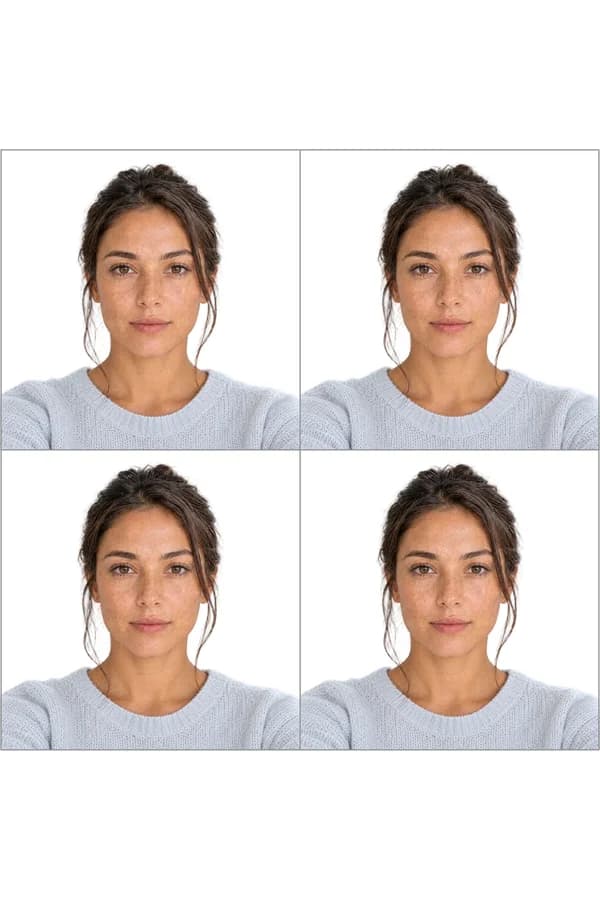
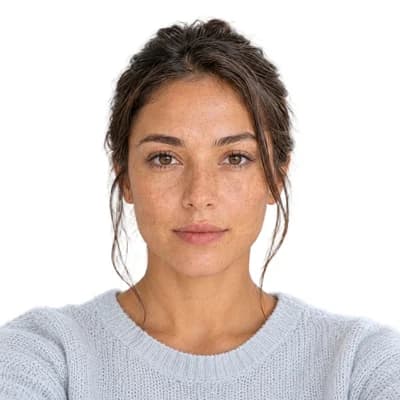
- 2×2 in
- Print-ready sheet
- Digital file
Cropped to size
Ready to print or upload.
Print it the same day, or get it by mail


Or have your prints mailed to you
One glossy 4×6 sheet of photos you cut apart along the guides, mailed tracked to US addresses. Add it to your $11.95 photo on the order page after checkout.
Overnight shipping*from $7.47
*Overnight is $35.02, delivered within 3 business days of your order. Budget is $7.47, 3–6 business days after it ships.
Good to know

US Passport rules, reviewed by Sandra Chen · Sep 2026
Most common rejection reasons
- 1An edited, filtered or AI-made photoThe State Department does not accept a photo that is unnaturally edited or filtered, or one created or changed with artificial intelligence. Submit the original, unedited photo.
- 2A blurry, grainy or pixelated photoPhotos that are blurry, grainy, pixelated or printed on the wrong paper are rejected. Use a sharp, in-focus original.
Snap2Pass never edits your face. It replaces the background and crops the photo to size, nothing else.
Also worth knowing
- PaperworkSend one photo, and do not staple it
A paper application takes one color photo. Do not attach or staple it to the form; the acceptance agent or passport employee reviews the photo and staples it for you.
Source ↗ - Related documentApplying for a baby?
Infant photos follow the same rules with concessions: a baby's eyes need not be fully open, and there are approved ways to support the baby.
US baby passport photo → - Related documentApplying for a US visa instead?
Visa applications upload the photo to the DS-160 form, which has its own file rules.
US visa photo →
Common questions, answered
Everything you need to know before you upload. Tap any question to expand.
Supported documents, worldwide
Every country · current 2025 regulations · ICAO compliant